Creating New Versions of Existing Deposit Contracts
In Core Banking, the contracts are set up for versioning. Thus, if you want to update the details of an approved contract, then you must create a new version of the record.
To create a new version for a record with the Approved status, follow these steps:
-
While in the Contract page of the record selected for updates, click the New Version button.
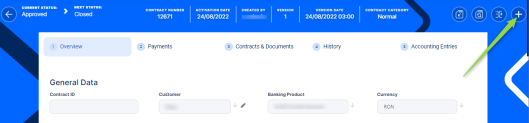
-
View the new version of the contract created by Core Banking, with Contract Version Draft status.
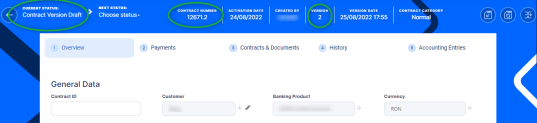
-
Edit the desired fields in the Overview tab. You can only edit a set of fields for contracts based on specific banking products.
-
Click the Save and Reload button.
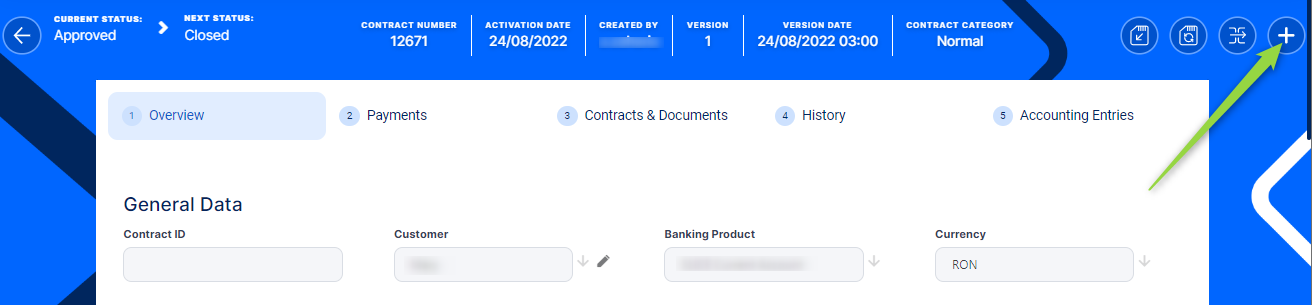
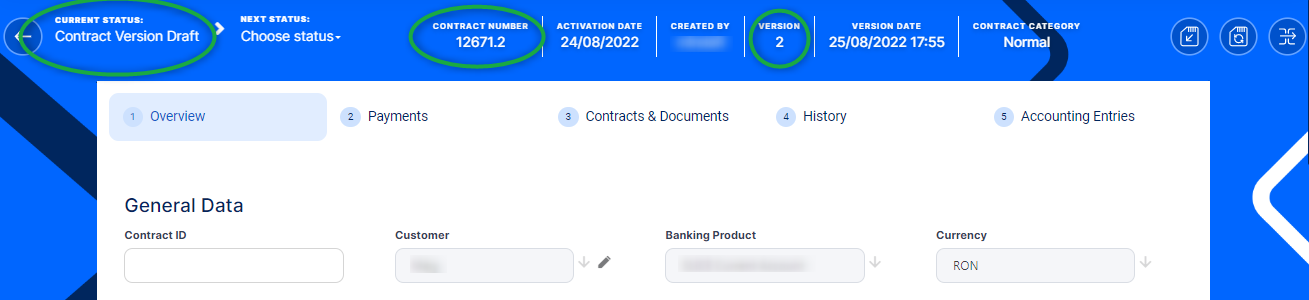
If you approve the contract in Contract Version Draft status, then the original record transitions into the Contract Version Closed status and the secondary version becomes the Approved currently active contract record.
Read more details about versioning a record on the How to Version an Entity Record page.