Rejecting a Third-Party Agreement
You can reject an agreement, canceling it, when the deal with the third-party entity drops. You can perform the cancellation either from a digital journey flow via API integration or from the Core Banking user interface.
Follow these steps to cancel the agreement:
-
Select an agreement in Draft (or Version Draft) status.
-
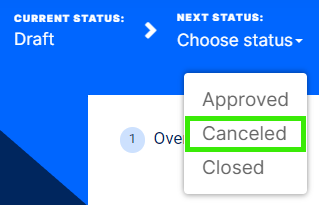
Change its status into Canceled.
-
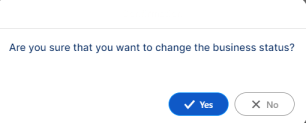
Click Yes to confirm your action.
If Core Banking performs all the validations successfully, then the current status of the agreement changes to Canceled.
NOTE You can't further use a canceled agreement. Create a new agreement, if you need to.