Step 2. Define Workflow Statuses
You can define workflow statuses either from the Business Workflow Statuses section or by using the Workflow Designer. For information on how to add business workflow statuses using the Workflow Designer, see Workflow Designer.
This section describes how to add a business workflow status from the Business Workflow Statuses section:
- In the Edit Business Workflow page, scroll-down to the Business Workflow Statuses section and click the Insert button. The Add Business Workflow Status page appears.
- In the Name field, enter the status name that will be used by the system.
- In the Label field, enter the name of the status that will be displayed in the UI.
- Click the Save and Close button (
 ) at the top right corner of the page.
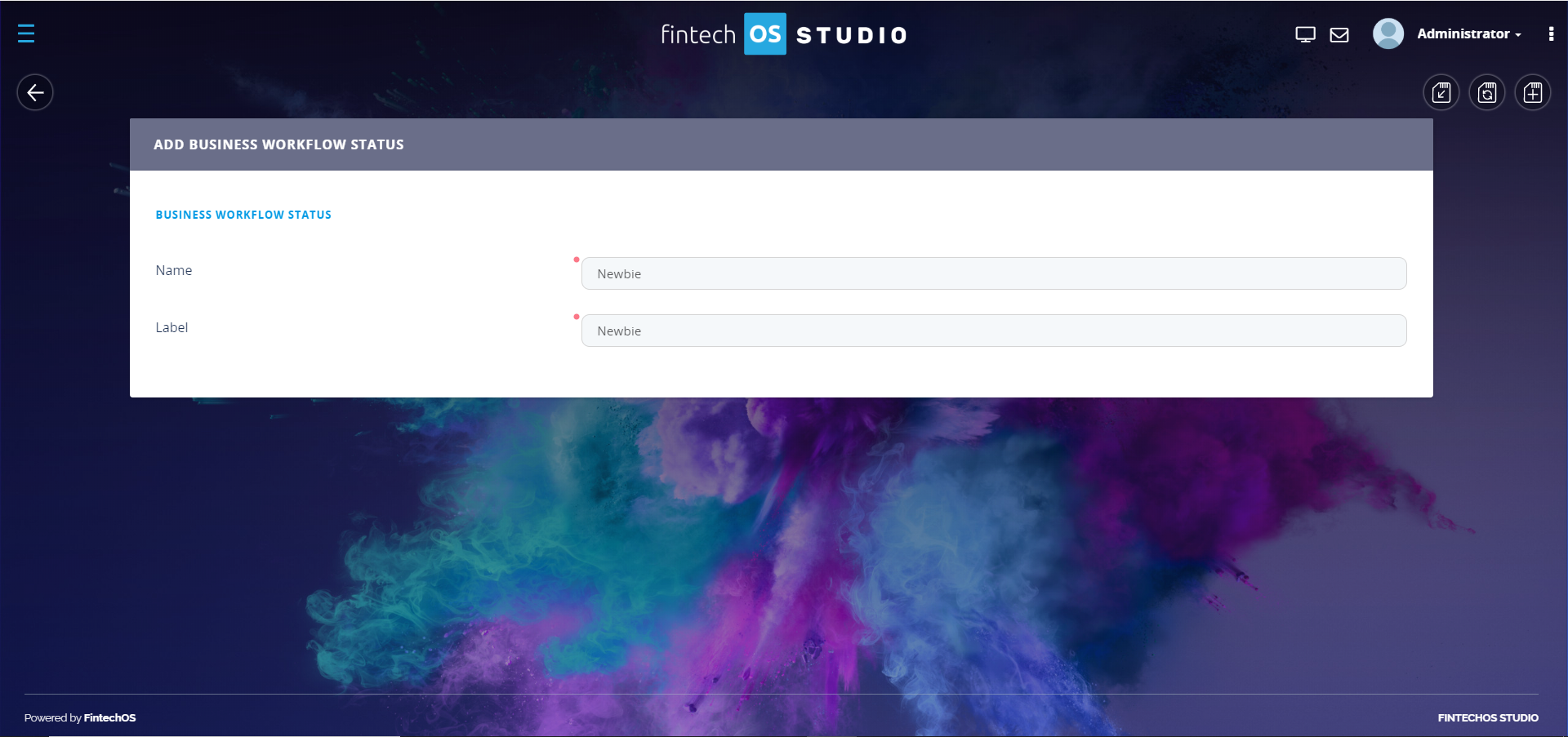
Follow the procedure above as many times as statuses your business workflow has.
After you finish adding the business workflow statuses, you need to define the workflow transitions.