Step 1. Add Business Workflow
In order to set up a business workflow with subsequent statuses, transitions and rules, you need to first add the business workflow in FintechOS Studio. To do so, follow these steps:
- In FintechOS Studio, click the main menu icon (
 ) at the top left corner.
 - In the main menu, click Fintech Automation > Business Workflow > Business Workflows.The Business Workflows List page appears.
- Click the Insert button (
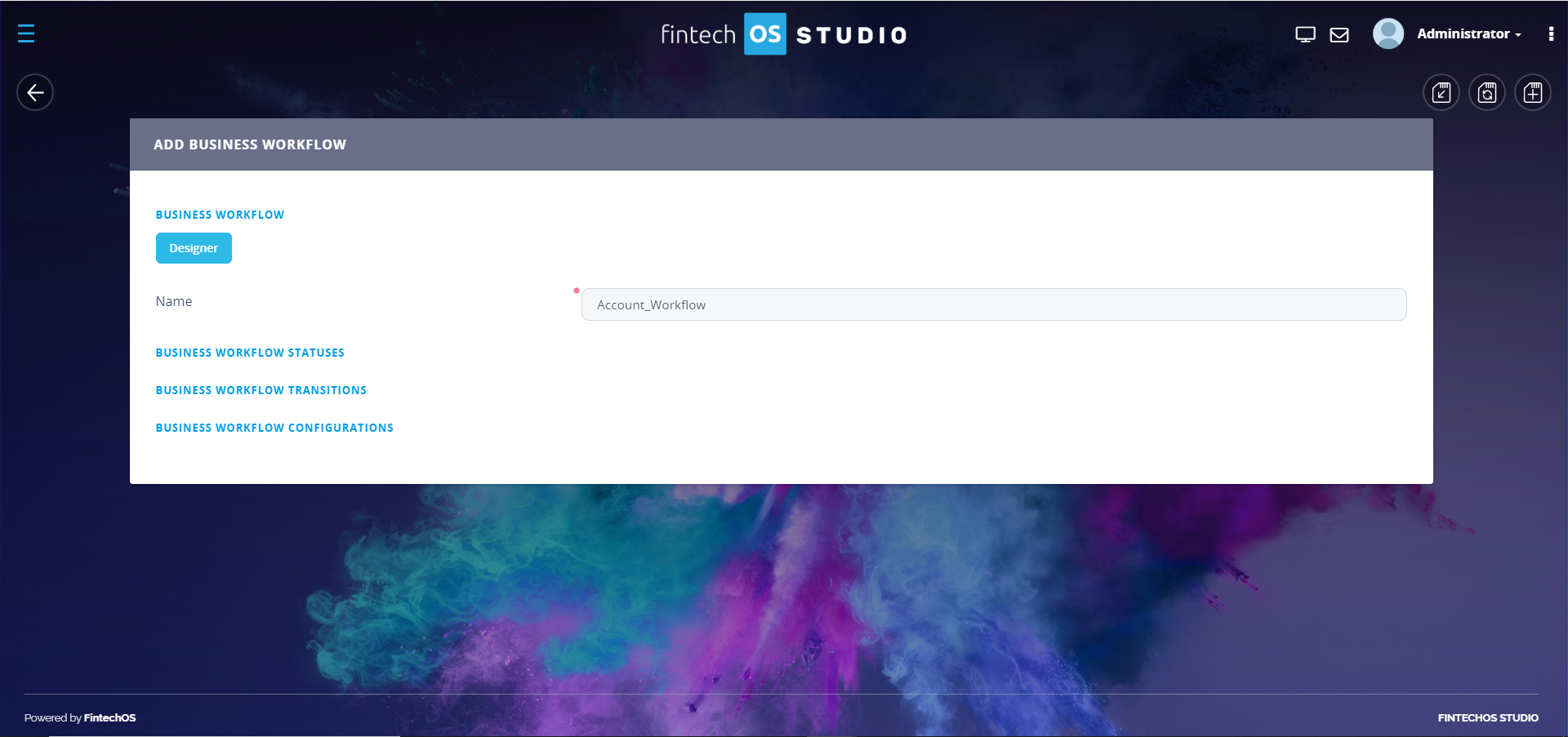
 ) at the top right corner of the page. The Add Business Workflow page appears.
 - Enter the Name of the business workflow.
- Click the Save and Reload button (
 ) at the top right corner of the page. The Edit Business Workflow appears.
Now you need to define the workflow statuses.