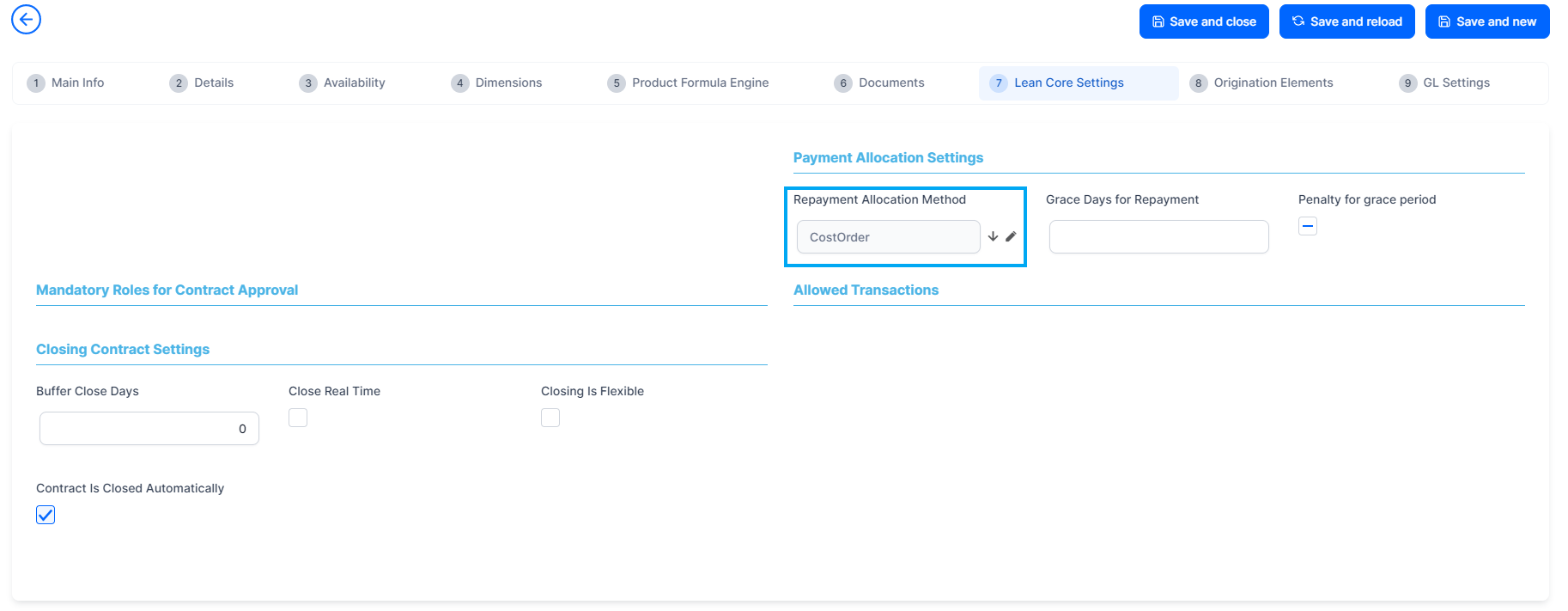
Allocation Method
The Allocation Method menu stores information about the details and the banking products using those specific definitions in their setup. In FintechOS, allocation methods are used to determine the order in which credit items are prioritized when repaying loans, credit accounts, and so on. Simply put, it represents the order in which a bank proportionally allocates a portion of the payment to either fees, commissions, interest, and other credit items associated with the account, with the aim of closing the loan principal.
To manage allocation methods, follow these steps:
- Log into Innovation Studio.
- Click the main menu icon at the top left corner.
- In the main menu, expand Product Factory > Banking Product Dictionaries menu.
- Click the Allocation Method menu item to open the Allocation Method page.

On the Allocation Method page, you can:
- Add a new allocation method record by clicking the Insert button at the top right corner.
- Edit an existing allocation method record from the list by double-clicking it.
- Delete an allocation method record by selecting it and clicking the Delete button at the top right corner.
Users with the associated role of Banking Product Admin can insert, update, or delete allocation method records.
Creating Allocation Methods
Allocation methods are created manually in FintechOS Portal, in the Add Allocation Method page.
-
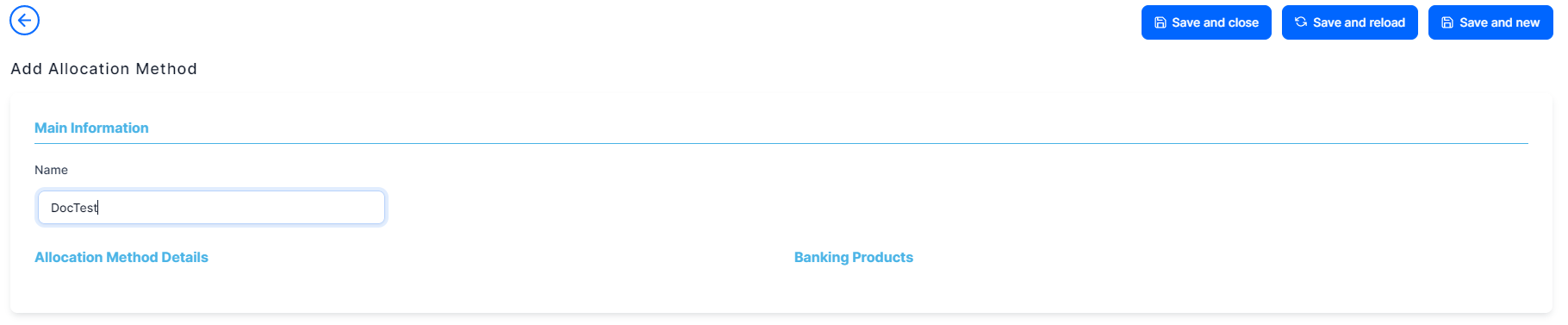
To create a new allocation method, click the Insert button on the top right side of the Allocation Method page. The Add Allocation Method page is displayed.
-
Fill in the following field:
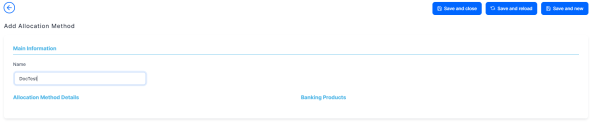
Field Mandatory Data Type Details Name No Text The name of the allocation method.
-
Click the Save and Reload button at the top right corner of the page. The Allocation Method Details and the Banking Products sections are displayed.
-
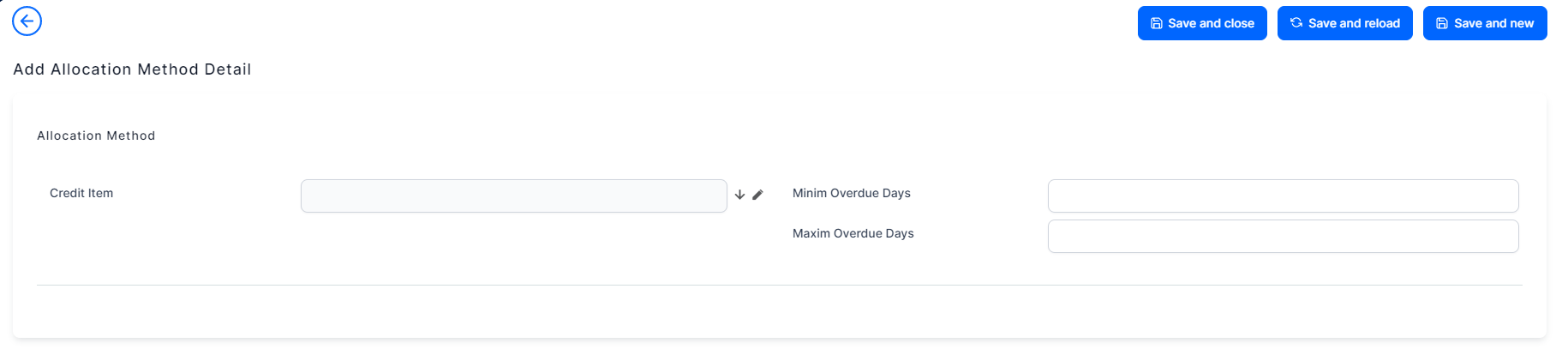
In the newly displayed Allocation Method Details section, click the Insert button. The Add Allocation Method Details page opens.
-
Fill in the following fields:
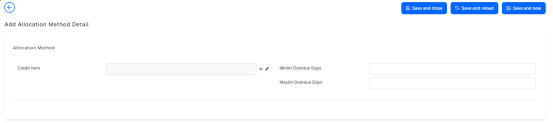
Field Mandatory Data Type Details Credit Item No Lookup The credit item of the allocation method.
Minimum Overdue days No Whole Number The minimum overdue days of the credit item. Maximum Overdue days No Whole Number The maximum overdue days of the credit item.
IMPORTANT!
The maximum and minimum number of overdue days is relevant when creating allocation methods as an account can have one or more loan principals. If, for example, there are two loan principals, the allocation method is applied based on the oldest one. Thus, depending on the date, the installment is allocated to the oldest loan principal and then moved to the other credit items. -
Click the Save and Close button at the top right corner of the page.
Banking Products
Banking products are used in FintechOS digital journeys for cash management processes such as loan origination. The Banking Products menu displays the banking products associated with the allocation method previously created.
In addition, banking products are used when managing loans after the loan origination process is closed:
-
open loan contract,
-
loan disbursement,
-
schedule projection creation,
-
make due amounts according to the schedule projection.
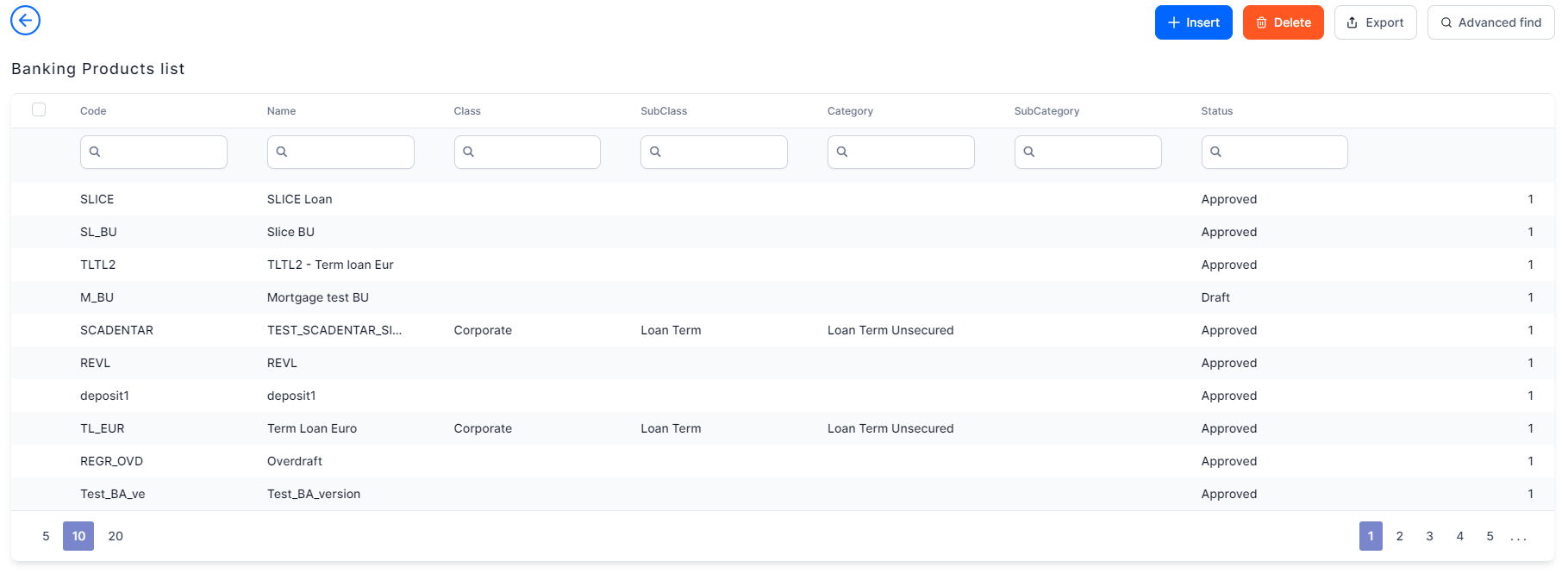
To create a banking product, click the Insert button under the Banking Products section. For more details on how to create banking products, see Managing Banking Products.